← All products ConfGraphics
RU Open website

ConfGraphics · conf-overlay.ru

Your conference on air — like a TV show

Broadcast graphics for conferences, forums, panels and press events: speaker titles, agenda, audience questions, polls and slates — from one console.
Your conference on air — like a TV show

Overview

Everything an event broadcast needs

01

15 graphics

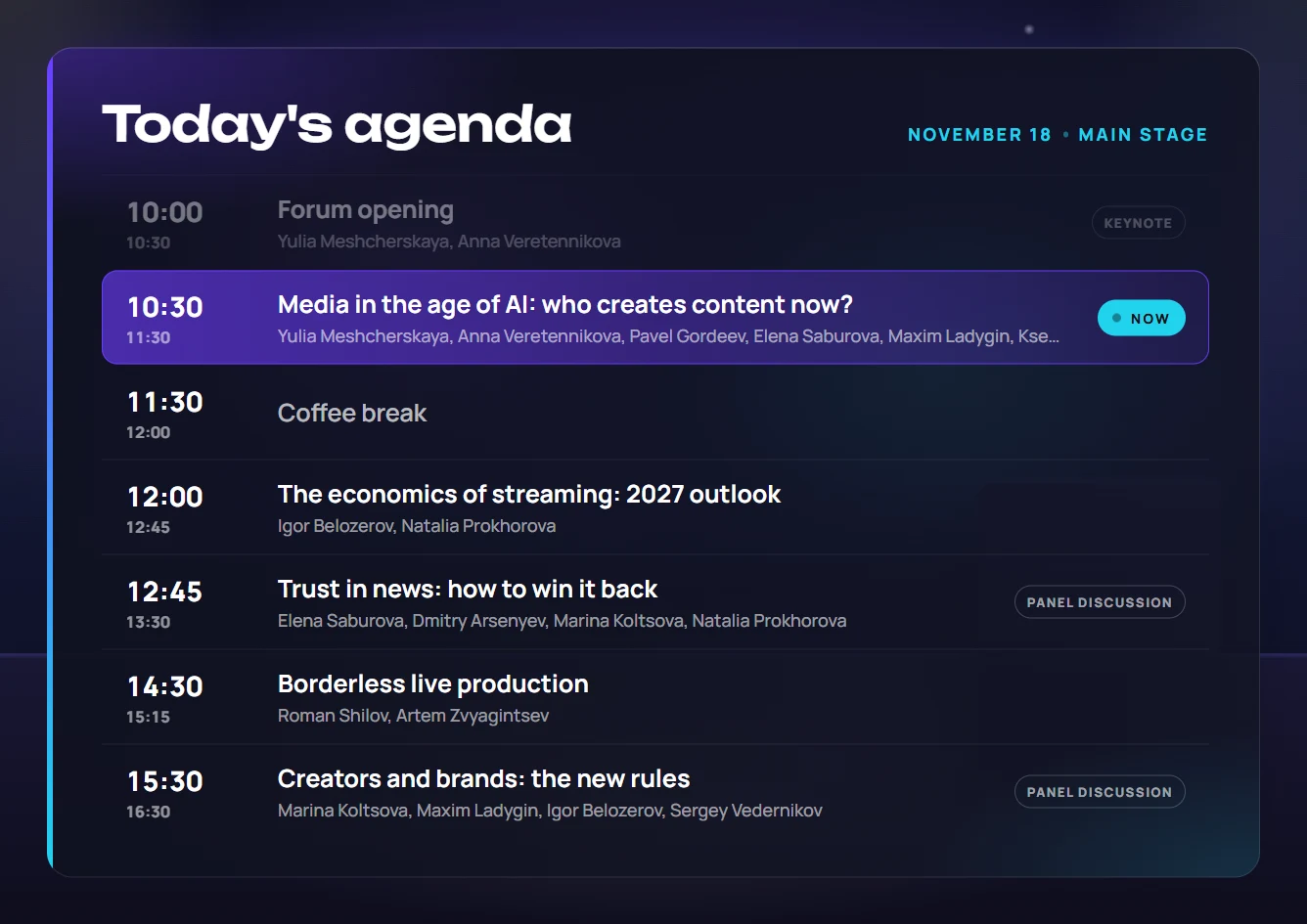
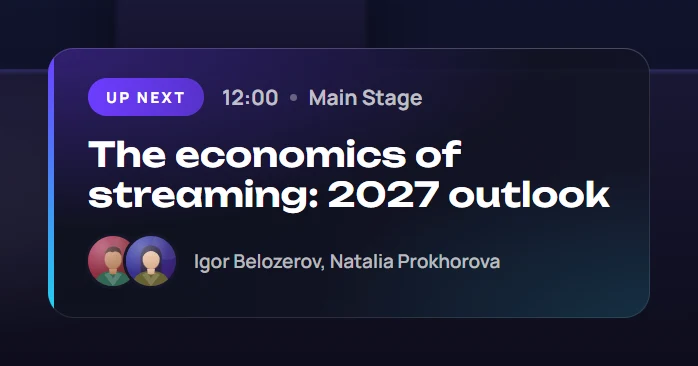
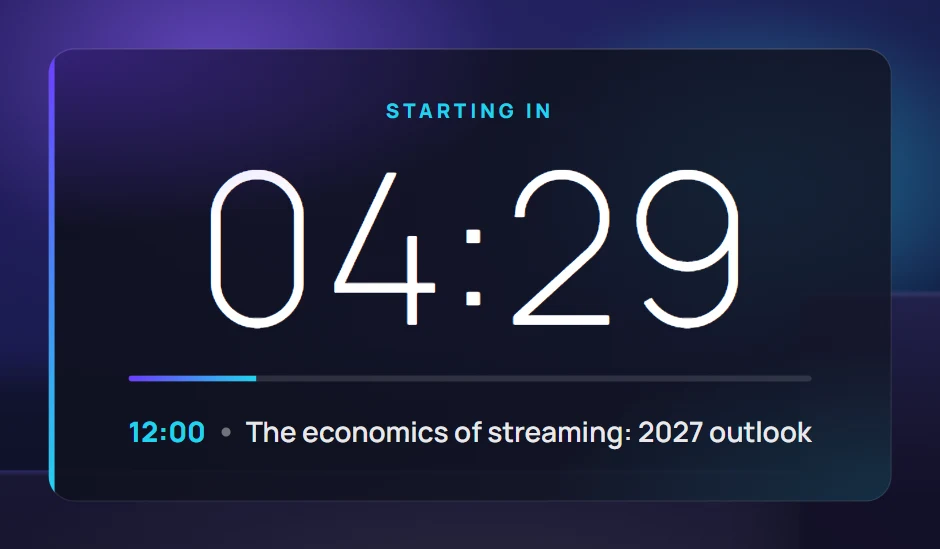
Speaker, moderator, session, agenda, question, poll, break, sponsors and more.

02

Hot-key console

1–9 for the current session’s speakers, Esc to clear all.

03

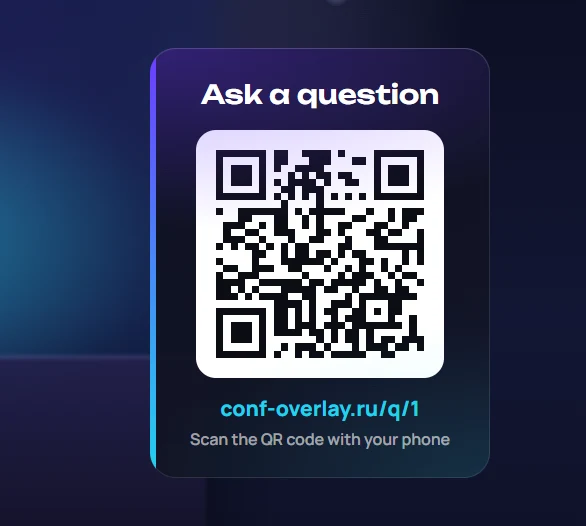
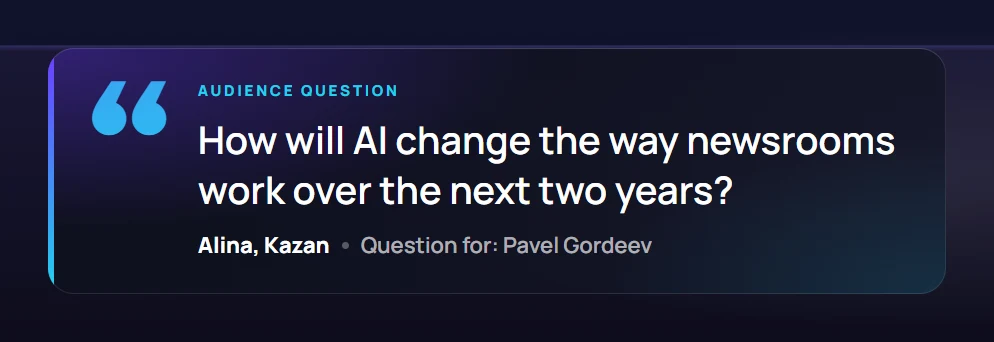
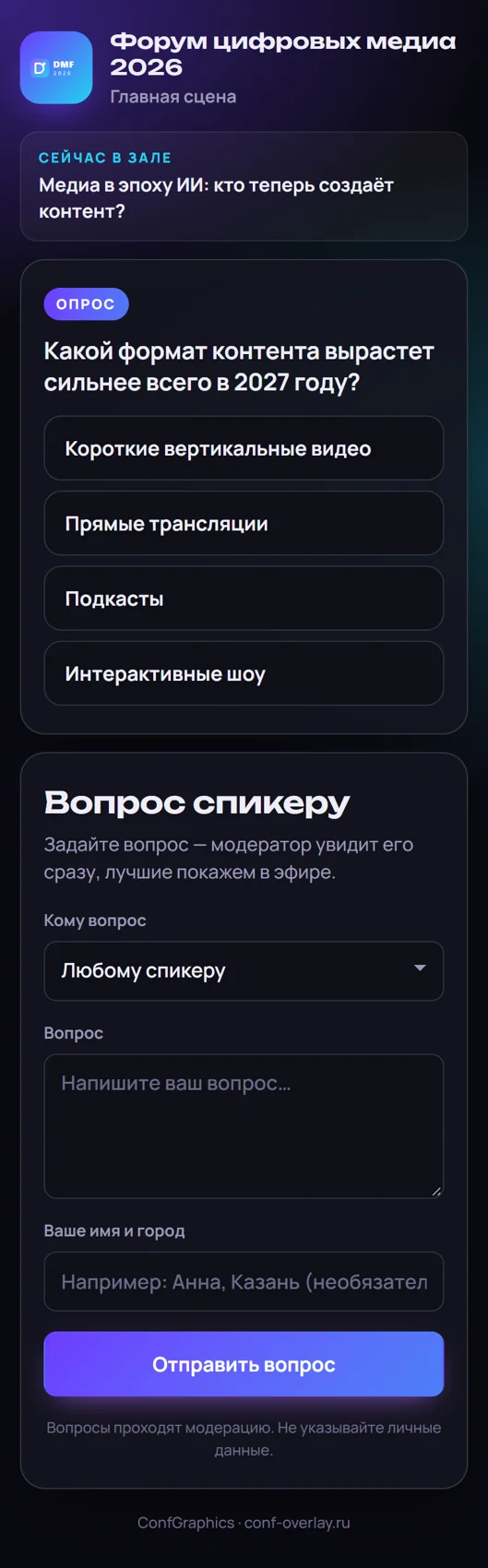
Audience Q&A

Viewers submit via QR, the moderator picks the best — it goes on air.

04

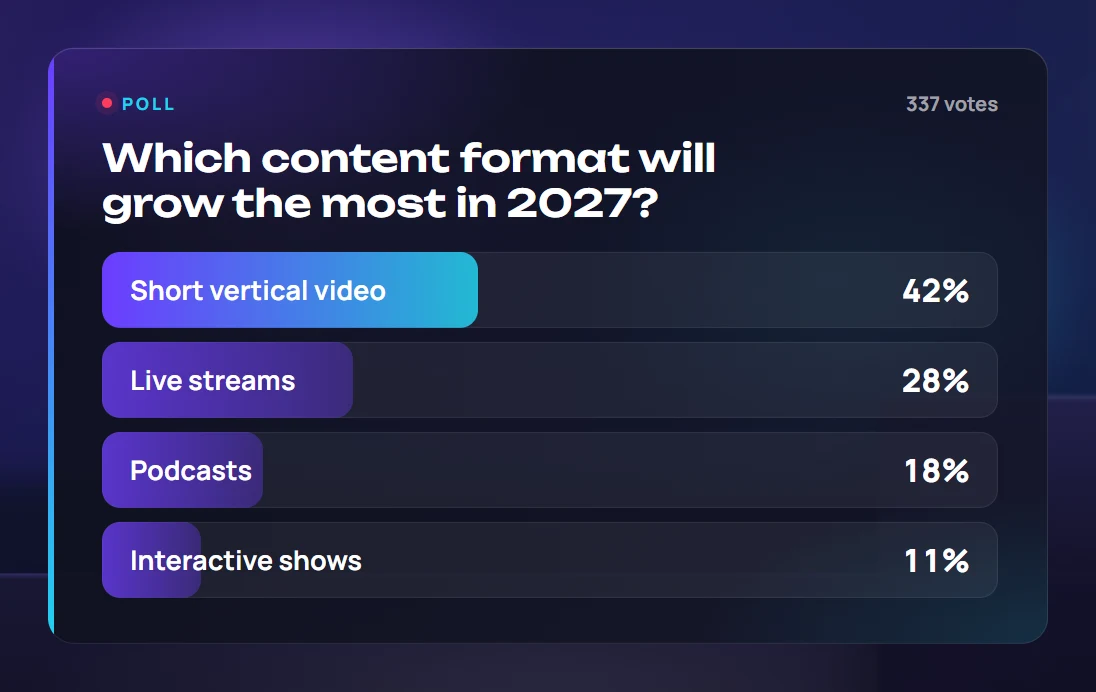
Polls

Phone voting with live results on screen.

05

Event branding

The event’s logo and colours flow into every graphic.

06

RU and EN

Bilingual events — switch language with one button.

Part 1

On-air graphics

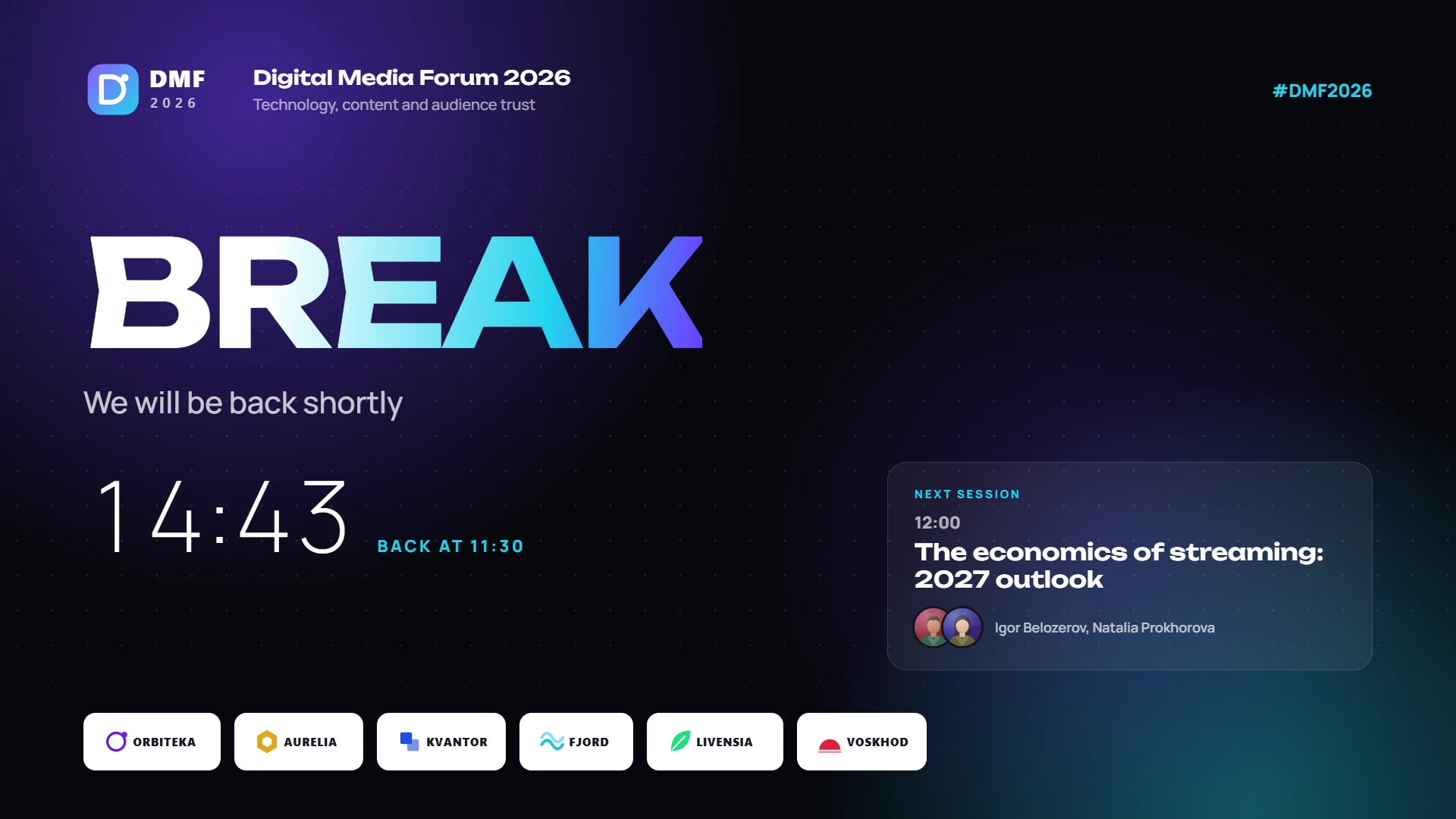
Fifteen graphics on one transparent layer

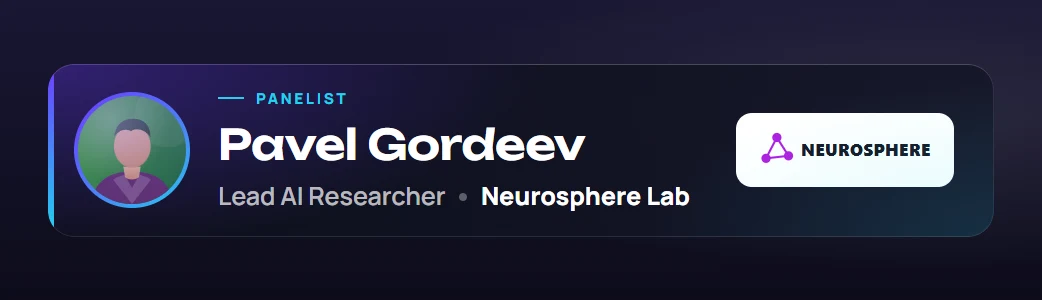
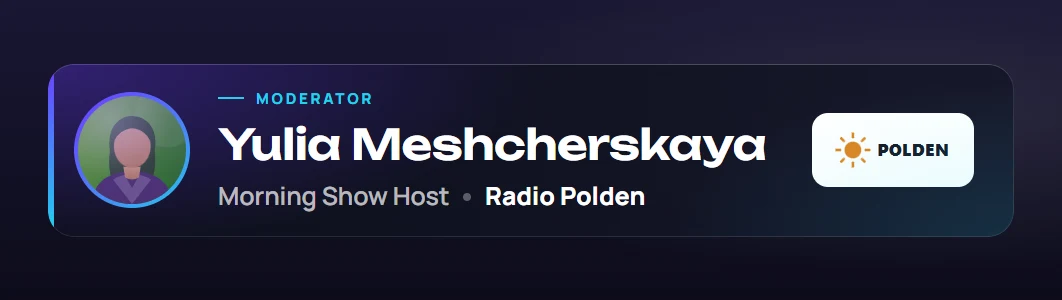
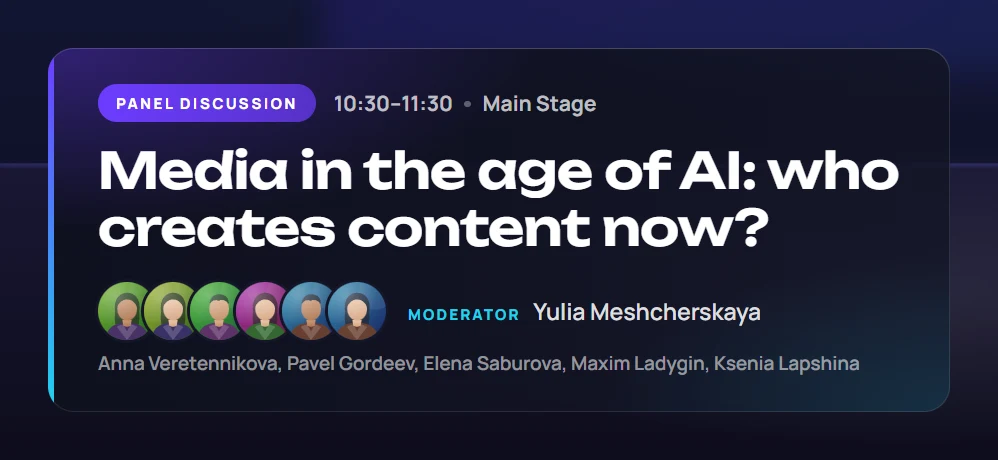
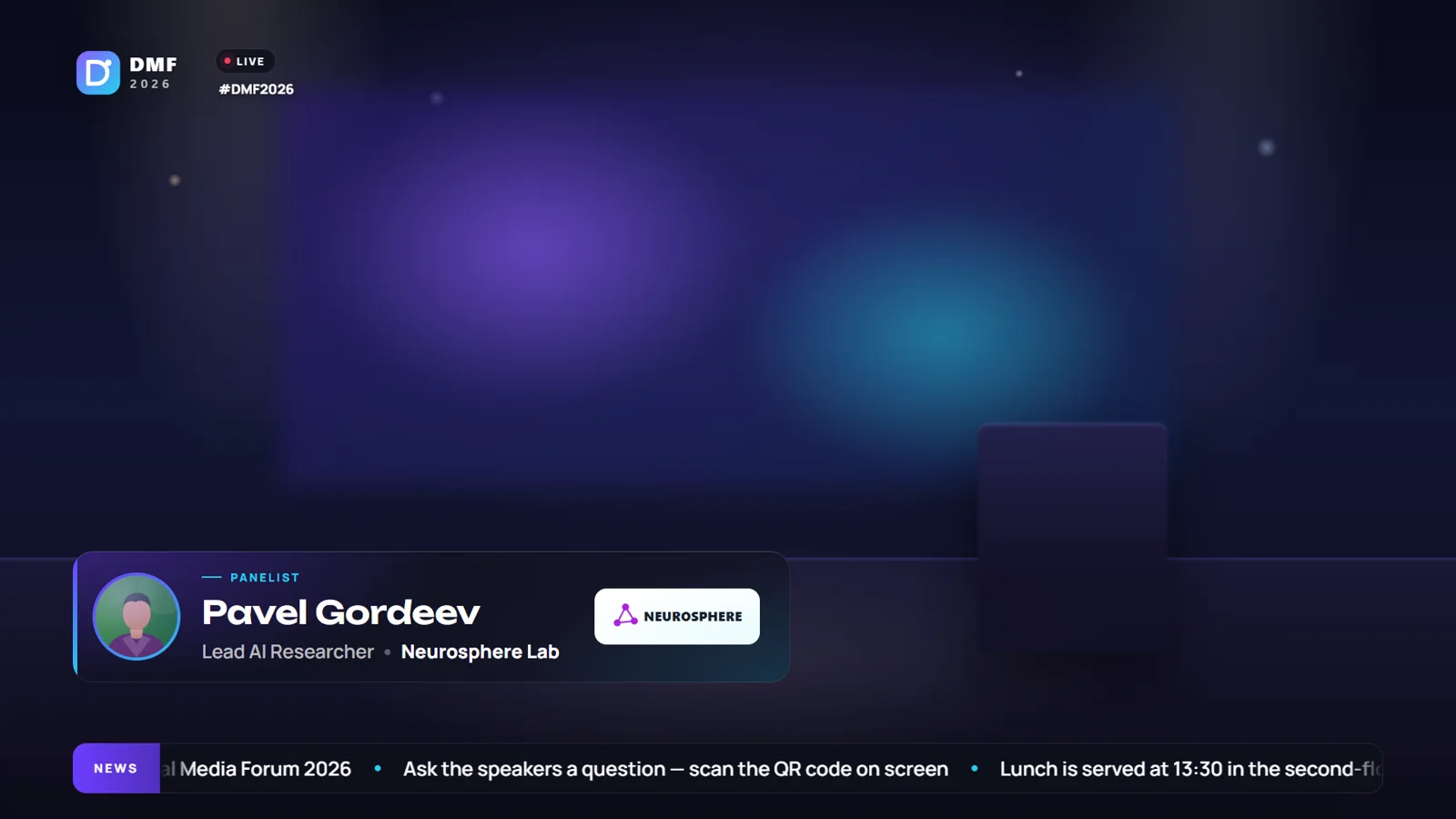
Speaker

A speaker title with one key

Photo, name, position and company with logo. The current session’s speakers sit on keys 1–9 in speaking order — no searching through lists.

  • Session role: speaker, moderator, panellist
  • Auto-hide after a set time
  • Directory edits show on air instantly
A speaker title with one key

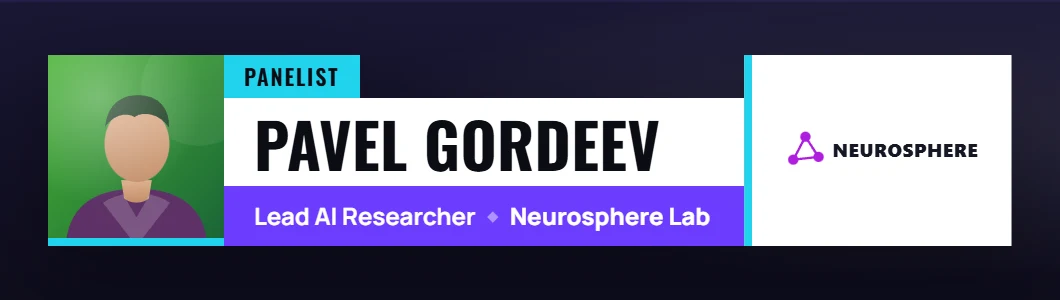
Two styles

Clean or Bold — to match the event

Clean — glass and soft gradients for business forums. Bold — solid colour blocks and condensed type for media events and festivals. Colours come from the event brand.
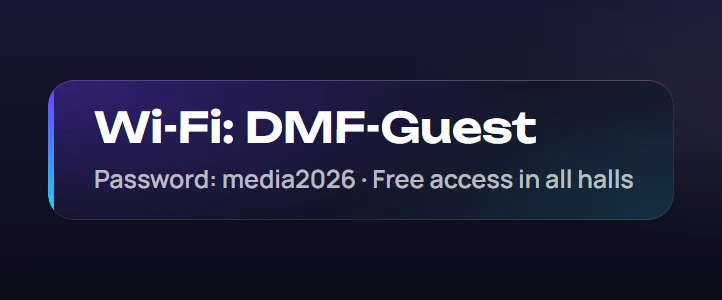
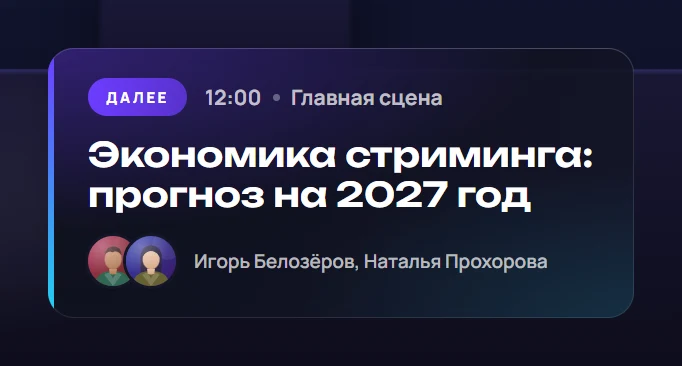
Bilingual events

Russian and English with one button
Part 2

Console and preparation

One operator per hall — no rush

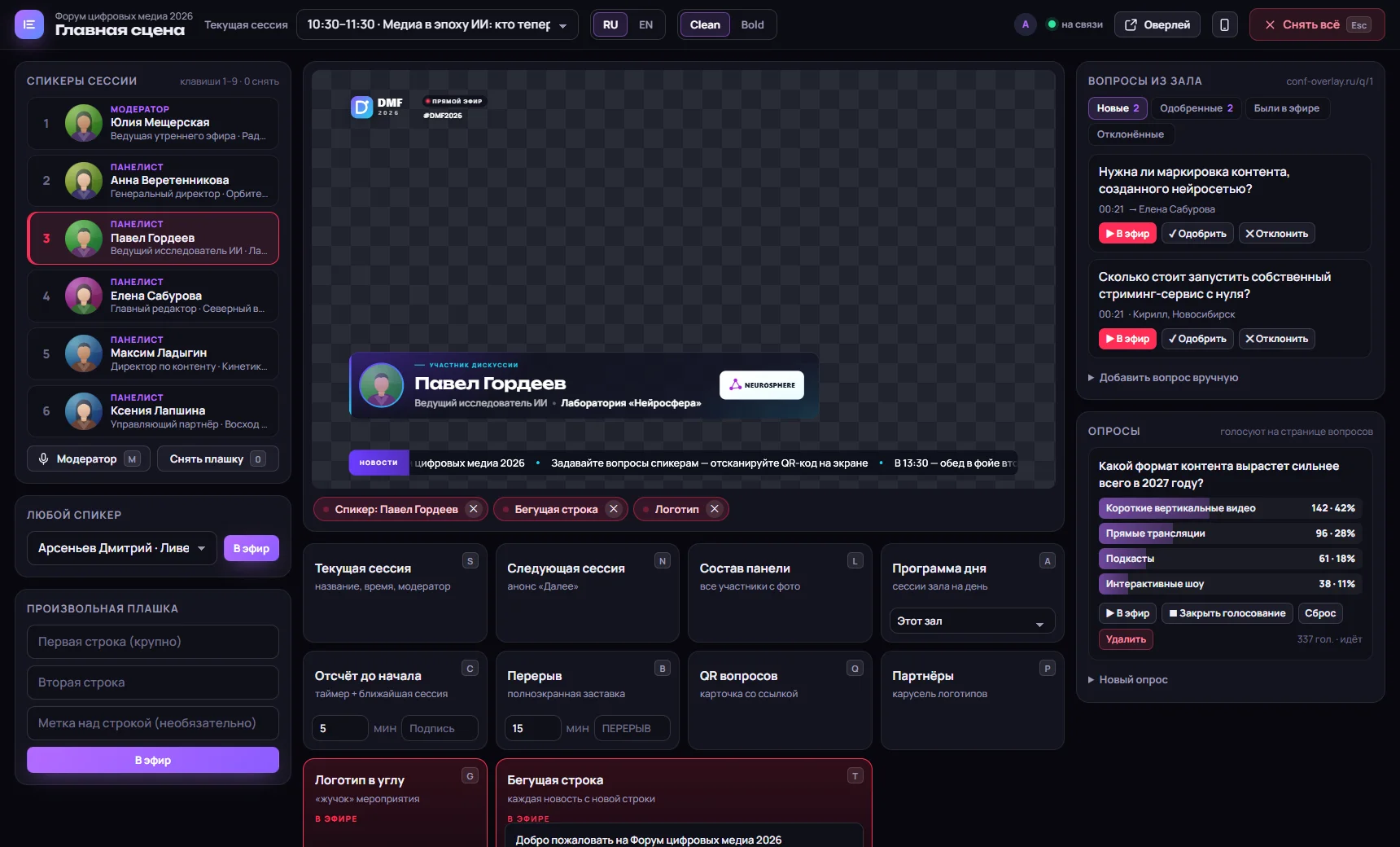
Hall console

The whole hall broadcast on one screen

Session speakers on the left, a live overlay preview and tiles for every graphic in the centre with an “on air” highlight, audience questions and polls on the right.

  • 1–9 speakers, 0 clears the title, Esc clears all
  • Letter keys for other graphics: moderator, session, agenda, break, QR…
  • “On air” panel — take any graphic off
  • See which operators are connected
conf-overlay.ru
The whole hall broadcast on one screen

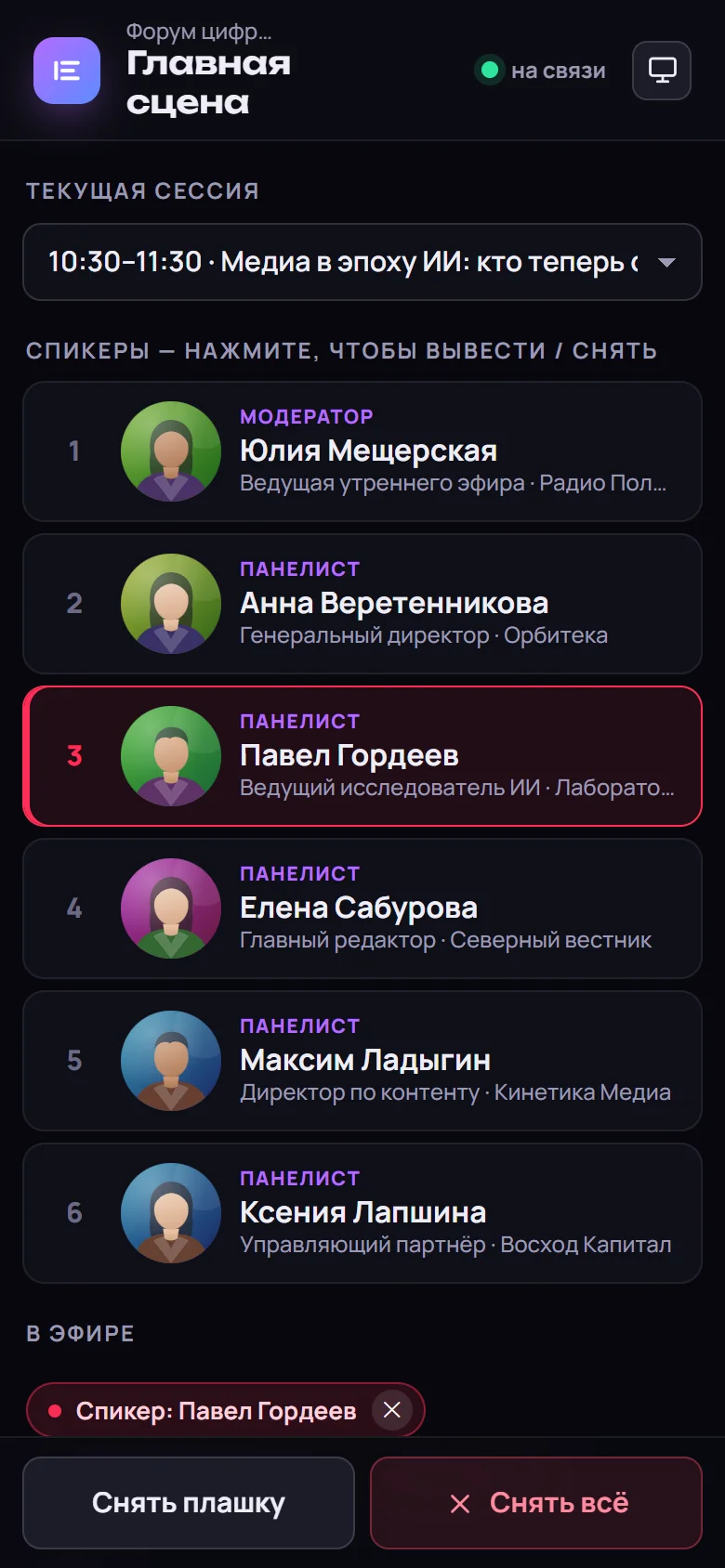
Phone console

Run a hall from a smartphone

A simplified console: current session, big speaker buttons, “clear title” and “clear all”. Handy for small halls and pop-up venues.
Run a hall from a smartphone

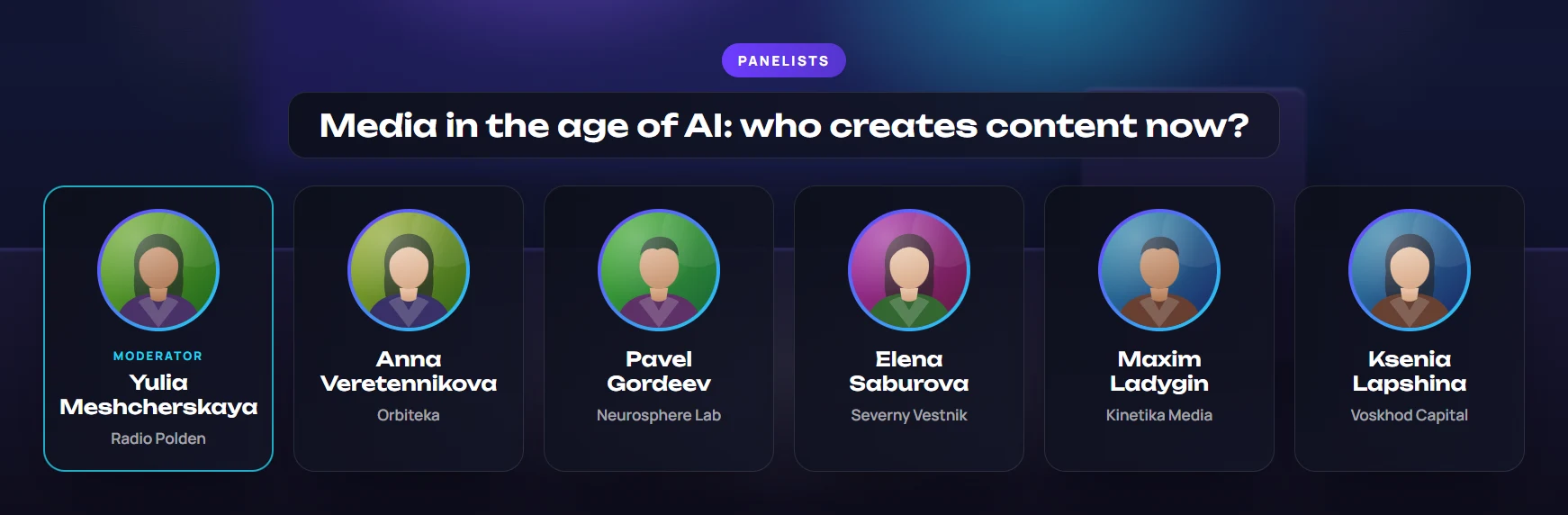
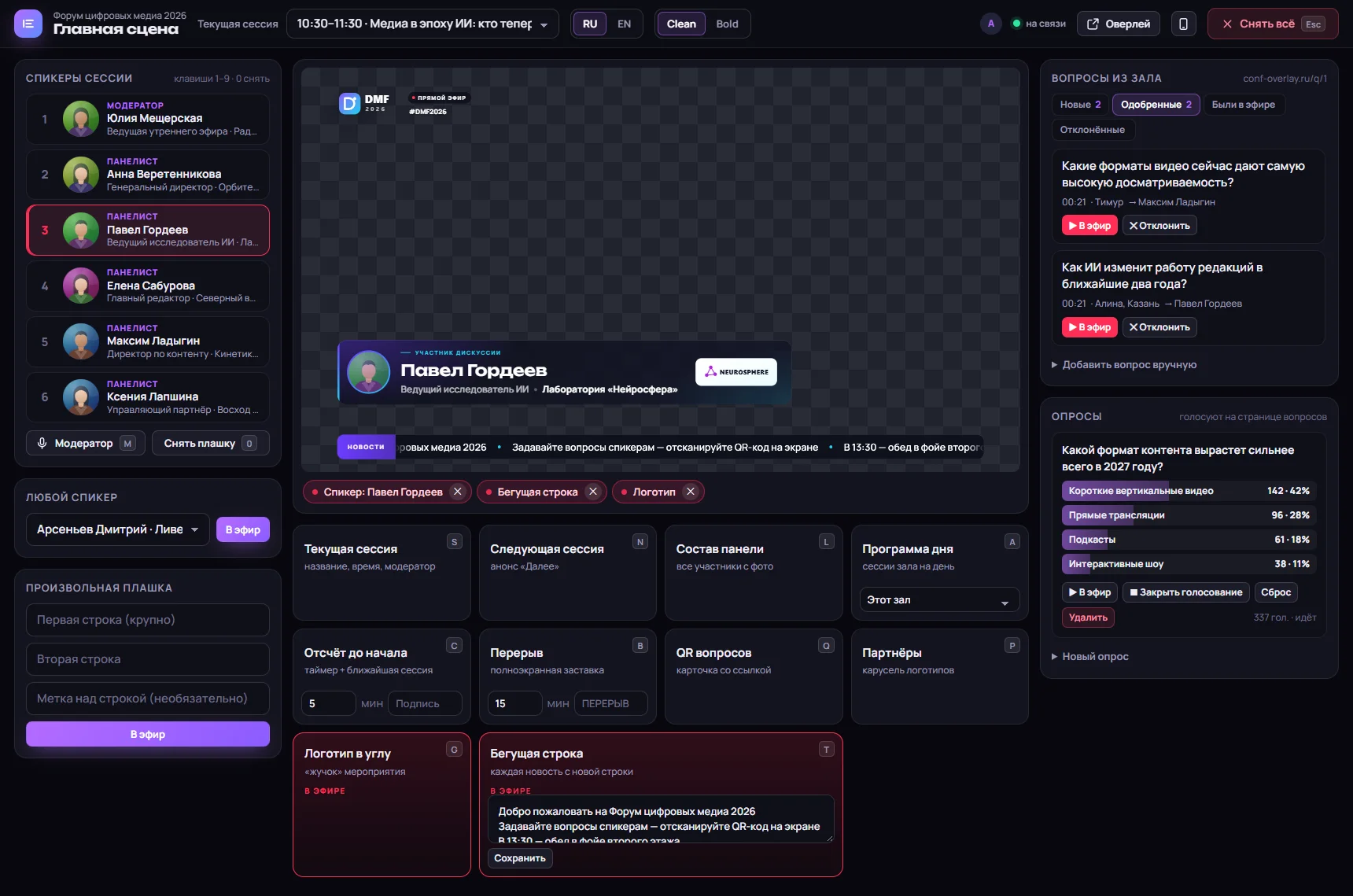
Questions and polls

Viewers join the discussion
Event preparation

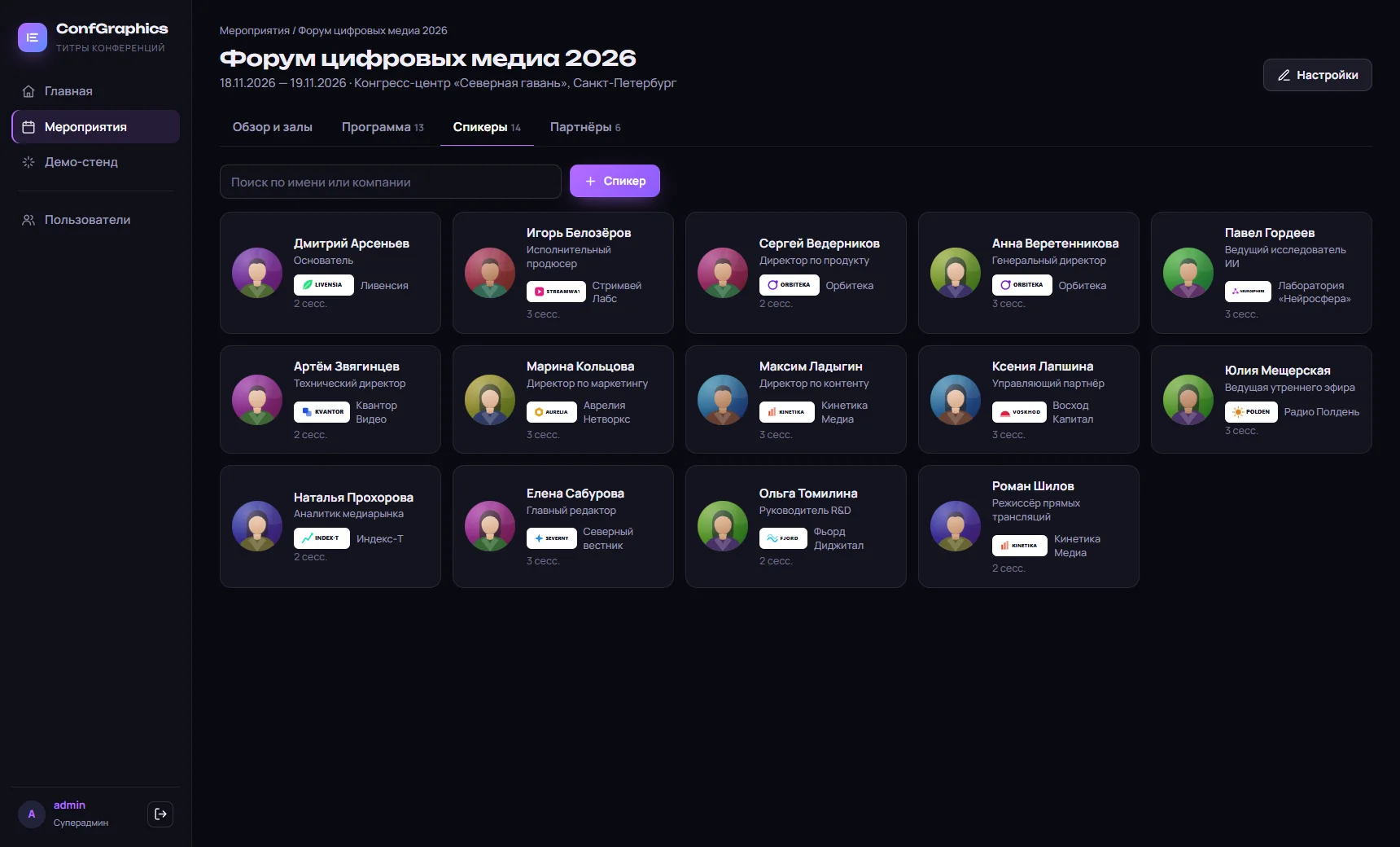
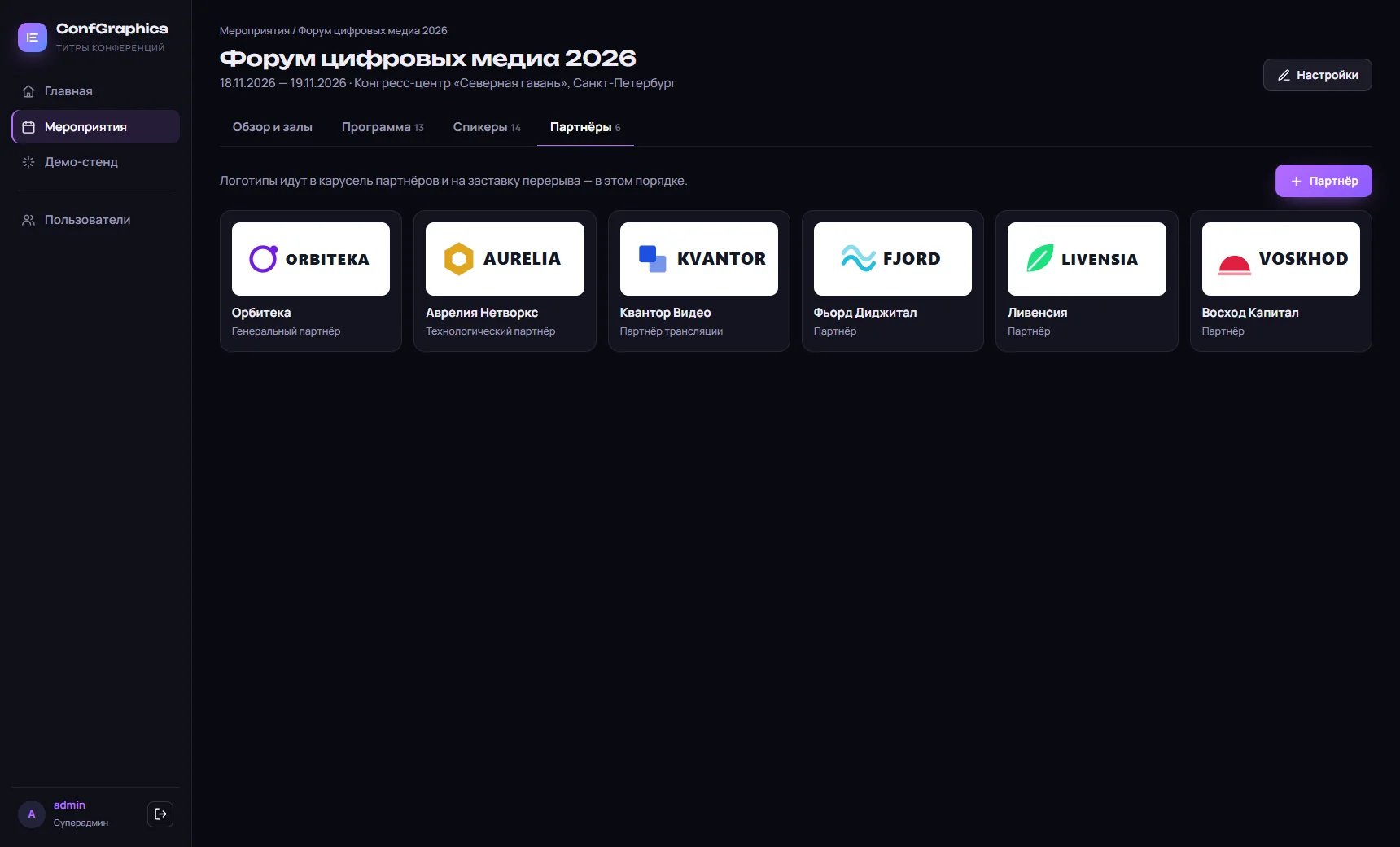
Event directories

01

Event

RU/EN names, dates, venue, logo, colours, style, hashtag.

02

Halls and stages

Each hall gets its own console and overlay.

03

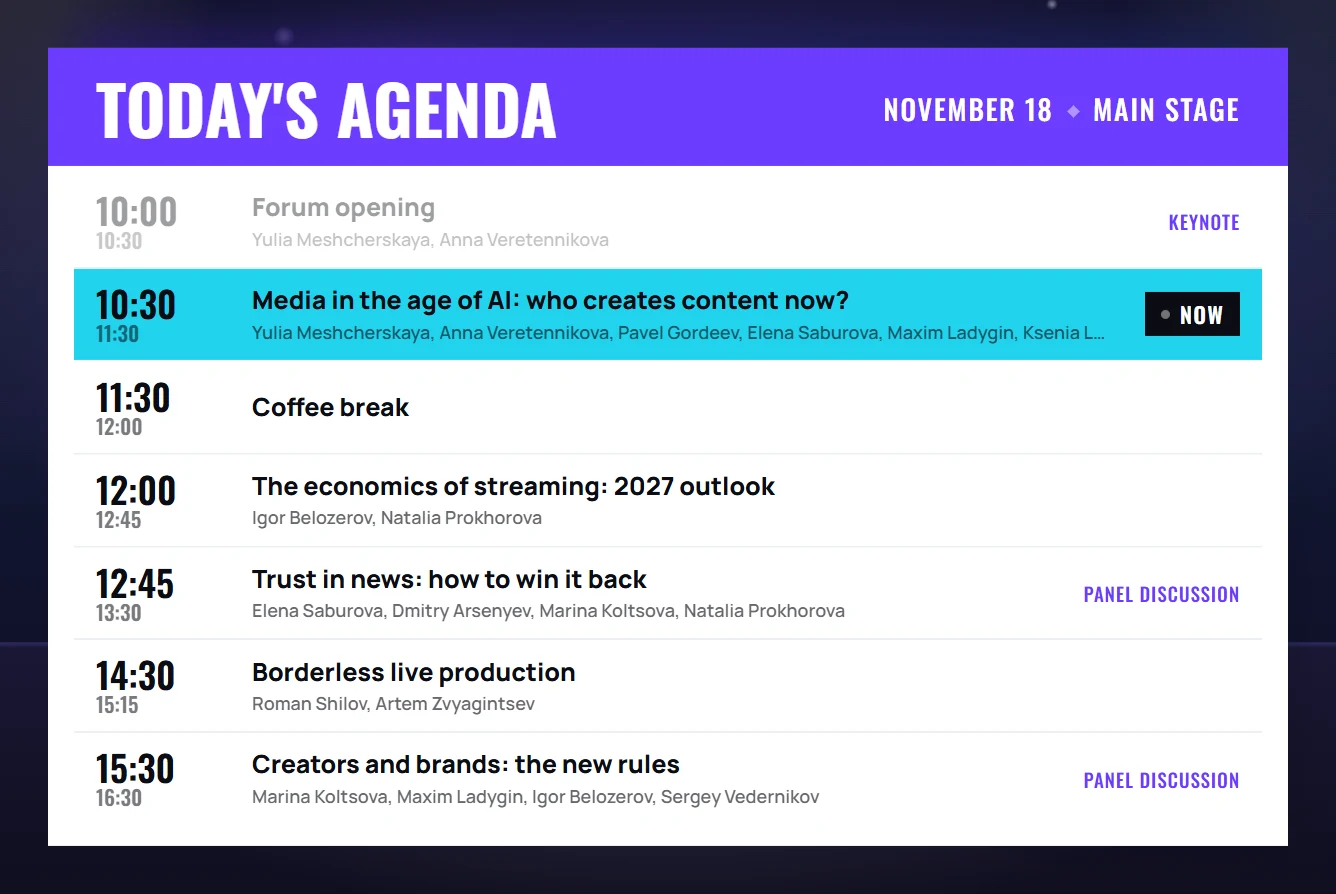
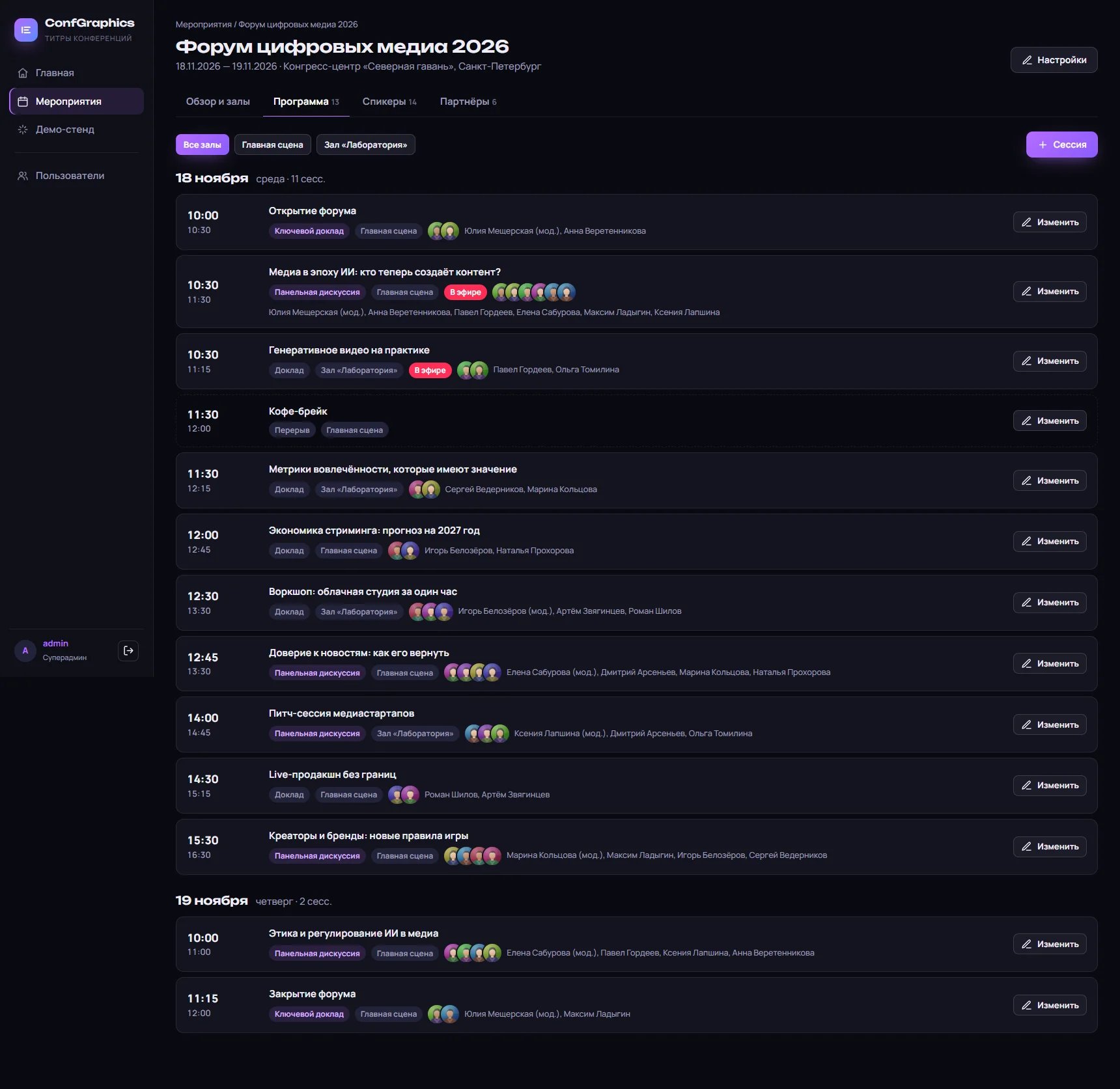
Agenda

Sessions by day and hall with moderator and participants.

04

Speakers

Photo, position, company and its logo.

05

Sponsors

Logos for the carousel and break slate.

06

Ticker

Text in Russian and English.

Directories

Enter once — use all forum long
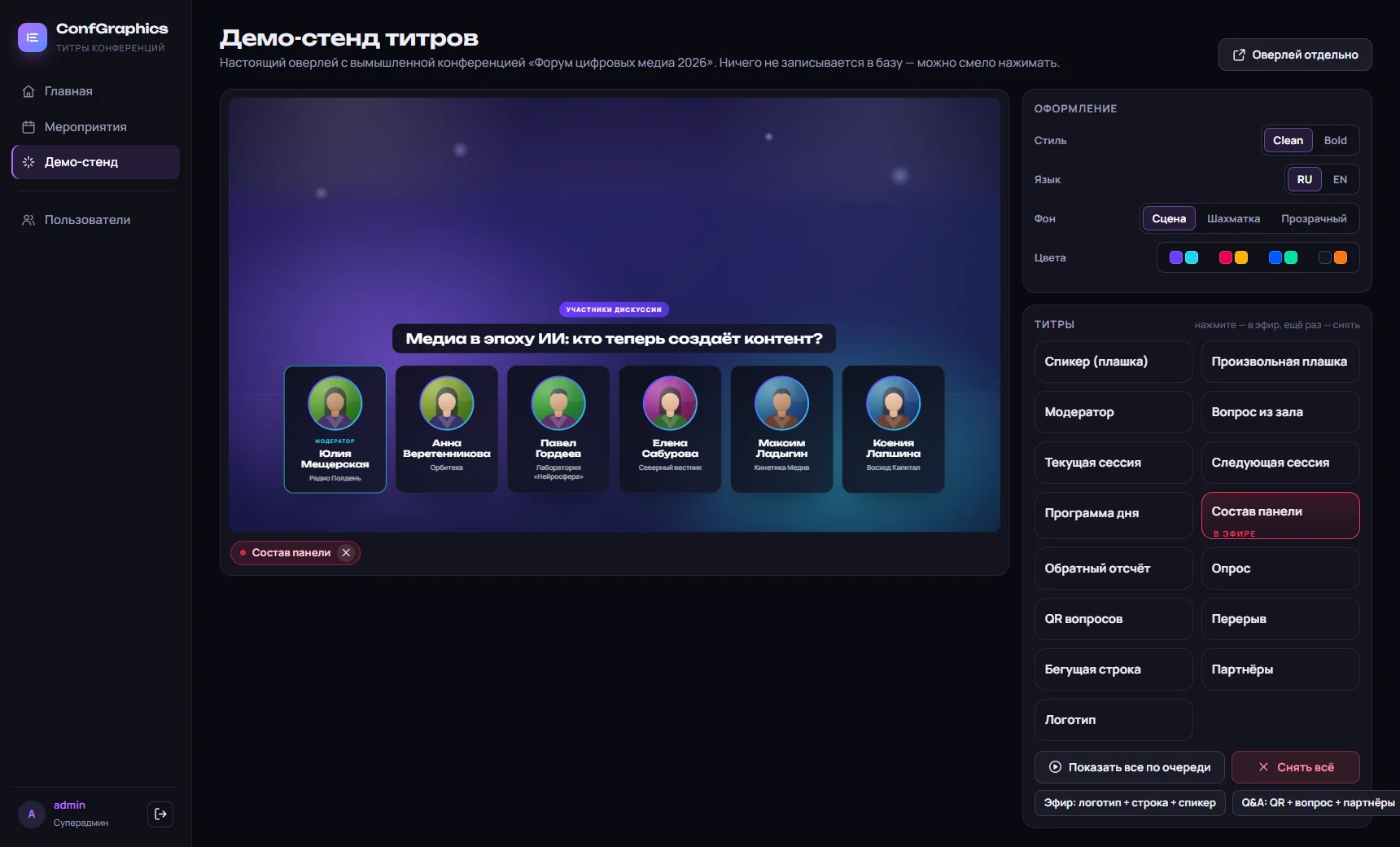
Demo stand

Show the graphics to the client in advance

The real overlay on demo data: style, language, background, palettes, all graphics in sequence and ready-made combinations. Agree the look with the organiser ahead of time.
conf-overlay.ru
Show the graphics to the client in advance

Reliability

Ready for live broadcast

01

Server-side state

Reload the source in vMix — graphics come back by themselves.

02

Several operators

Edits never overwrite each other.

03

Protected Q&A form

Rate limiting and bot filtering.

04

Access levels

Viewer, operator, editor, admin, superadmin.

Setup

On air in three steps

  1. 1

    Create the event

    Halls, agenda, speakers, sponsors, logo and colours.

  2. 2

    Add a source

    vMix or OBS: Browser source, 1920×1080, the hall overlay URL.

  3. 3

    Open the console

    Speakers on keys 1–9, other graphics with one button.

ConfGraphics

Want this on your broadcast?

We will demo the system on your own data and connect the graphics to your stream.

Contact

Get in touch

Tell us about your tournament, league or event — we will pick the right product, run a demo and plug the graphics into your broadcast.

Anton Belousov

Other products